Readme
🛡 Auto Approved Flair
Features
🛡 Auto Approved Flair is a super simple tool that allows mods to Approve users and add Flair with the click of a button. It will also Unapprove users and remove Flair just as easily.
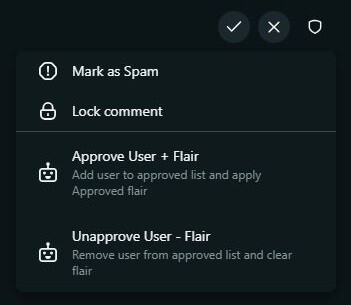
Run the app using the three-dot menu or mod shield menu (depending on your platform) and choose the "Approve User + Flair" to add the user as an Approved member and designated flair.
To remove a user and their flair as an Approved member, choose "Unapprove User - Flair".
That's it.
Completed actions will display a successful toast:
Approved & flaired [username]
Unapproved & flair removed from [username]
Settings
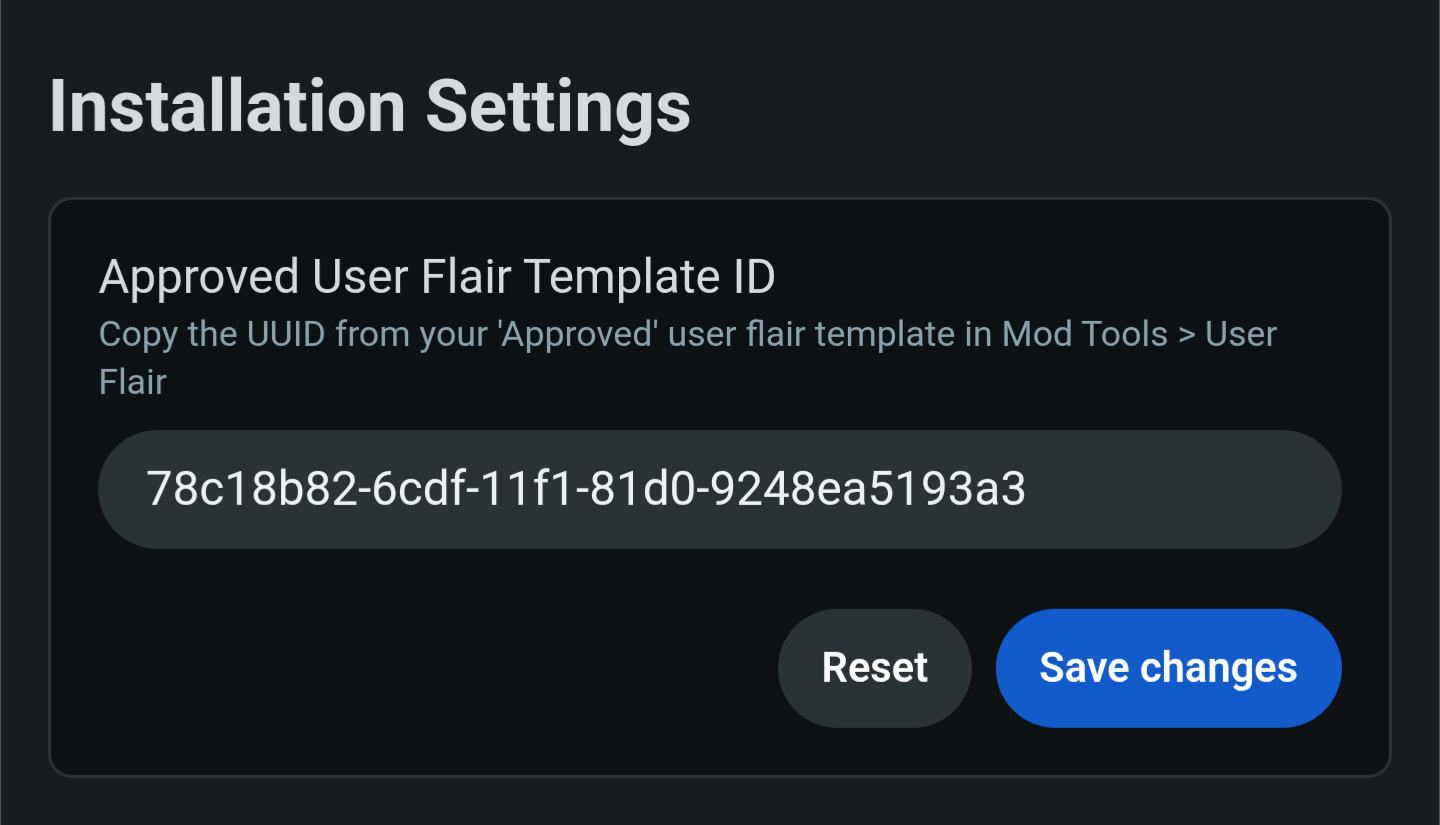
Locate your existing user flair that you want to designate to Approved users in Mod Tools > Look & Feel > User Flairs and copy the flair ID. Add and Save changes. Flair IDs will look like the screenshot below.